Hide Ubuntu 18 top panel
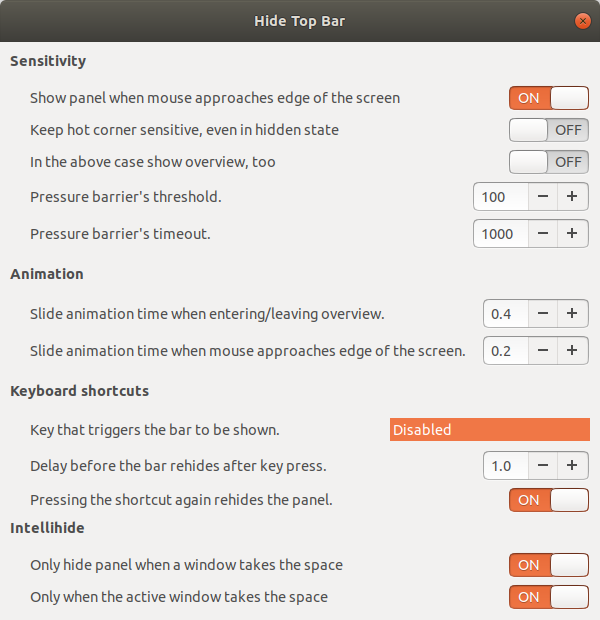
Login to your ubuntu 18 system. Open Ubuntu software(Press Windows Key) type in “Hide Top Bar”, you can find Hide Top Bar GNOME Shell Extension. Install it , open the application and hide the top panel. You have lot of options like autohide ,slide animation etc.
[gallery ids=”840,839” type=”rectangular”]
This post is licensed under CC BY 4.0 by the author.