OpenVZ: ovz-panel: Change container storage location
Prepare a new location for the containers. Create root,private directories under the new location.
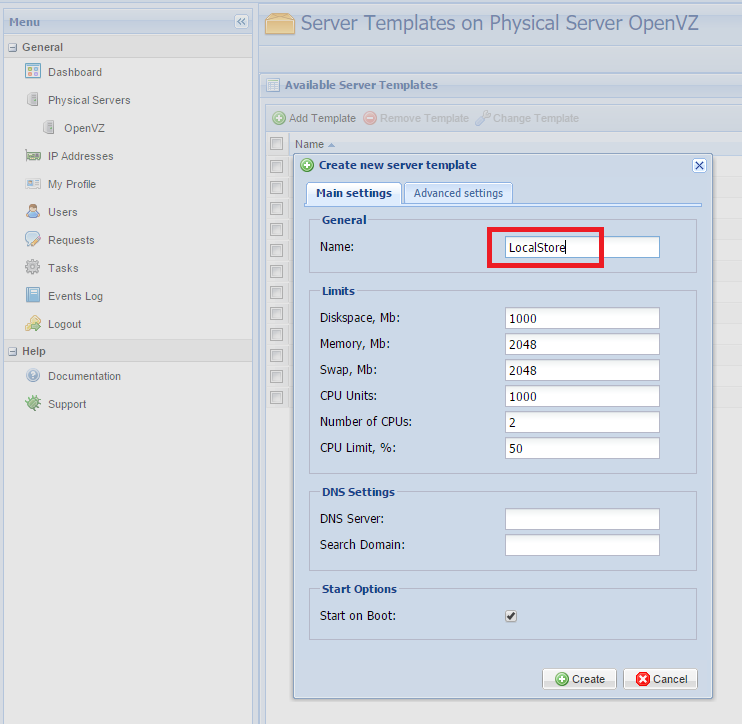
Create a new server template from OpenVZ Web Panel
Login to OpenVZ hardware node and find the newly created template file from the location /etc/vz/conf

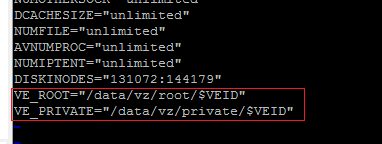
Edit the file and add the new root & private location in the configuration file.
This post is licensed under CC BY 4.0 by the author.