Eucalyptus 4.0 web Console
After the Eucalyptus FastStart one line install run the following commands to create a web console user.
Run the command “. ./eucarc “ from the root directory.
#. ./eucarc
[caption id=”attachment_661” align=”alignleft” width=”459”]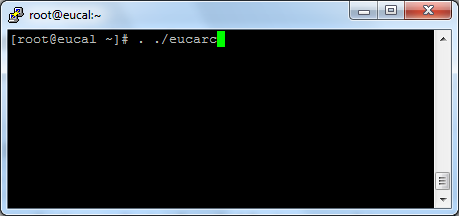 source . ./eucarc[/caption]
Then create account. command “euare-accountcreate -a testuser1”
# euare-accountcreate -a testuser1
[caption id=”attachment_662” align=”alignleft” width=”620”] Create a Eucalyptus account.[/caption]
Create the admin user & password and add the user to the account using command “euare-useraddloginprofile –as-account testuser1 -u admin -p euca123”
# euare-useraddloginprofile –as-account testuser1 -u admin -p euca123

Add user and attach the user to an account
Create Key for the user.
[caption id=”attachment_664” align=”alignleft” width=”620”] Create key for user[/caption]
Login to Eucalyptus Web Console .
[caption id=”attachment_666” align=”alignleft” width=”620”]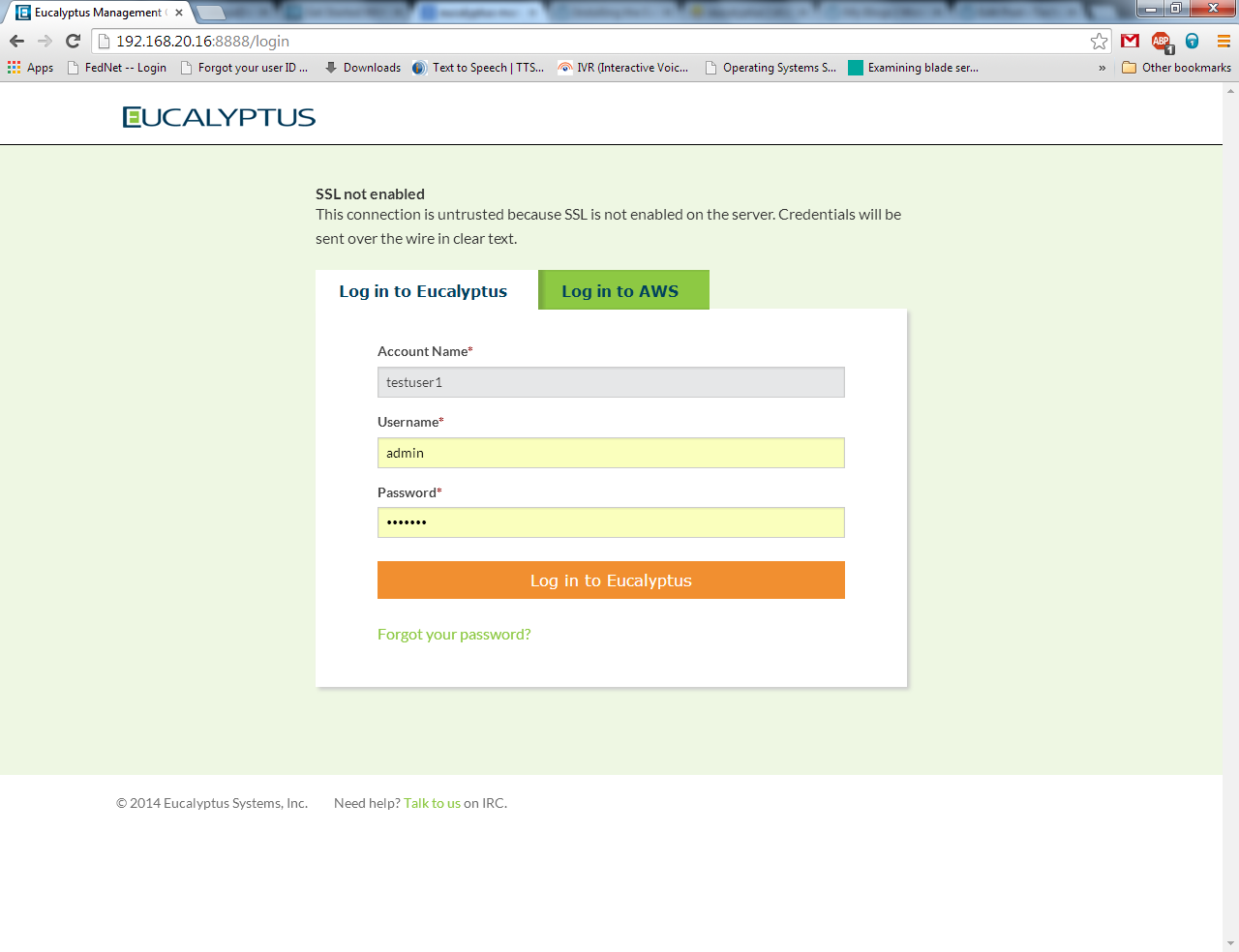 Eucalyptus Web Console[/caption]