VirtualBOX Boot to USB Drive
Run the below command to make
1
VBoxManage internalcommands createrawvmdk -filename d:\usb.vmdk -rawdisk \\.\PhysicalDrive2
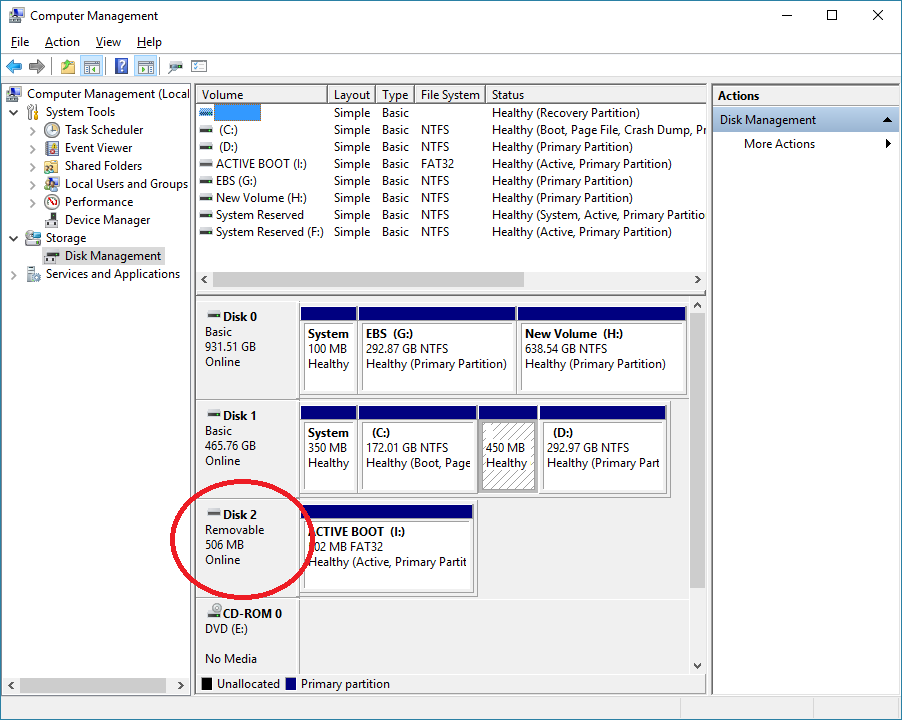
In this USB drive is PhysicalDrive2, which is shown in below screenshot as Disk 2
This post is licensed under CC BY 4.0 by the author.